
Getting Chatham County Court Records
No single Chatham County clerk keeps every file. Superior Court Clerk Tammie Mosley holds the felony, civil, and domestic records. The State Court Clerk takes state civil, misdemeanor, and traffic cases. Magistrate, Probate, Juvenile, Recorder’s, and each municipal court keep their own. So begin with the docket or case index. Then ask the right office for the pleading, order, judgment, disposition, or transcript you actually need.
Plenty of channels work. Odyssey/re:SearchGA offers public case information plus registered document access. The public terminals at the courthouse help when internet images are not posted. A requester can also visit the counter or call. Another route is mailing the Superior Records Request Form. You can order through eCertification for an authenticated electronic copy, or send a precise Georgia Open Records Act request to the office holding the file.
- Identify the court, case number, parties, and document.
- Check Odyssey or the court’s own case route.
- Choose online access, counter service, mail, phone, or written request.
- State whether a regular or certified copy is needed.
- Confirm the fee and delivery choice before payment.
Chatham Court Record Custodians
Knowing the split saves time, because even a careful request dies at the wrong window. Superior Court covers felony, civil, domestic, land, UCC, and related records. State Court holds misdemeanor, traffic, and State civil files. Magistrate takes small claims, dispossessory, garnishment, warrants, and similar filings. Probate handles estates and guardianships. Juvenile records sit behind separate confidentiality rules. Recorder’s Court and each city court keep their own local matters.
The Superior Court Clerk’s public-access page lays out that clerk’s online and office role. The page shows the clerk route. It also helps separate it from the county courts’ own offices.
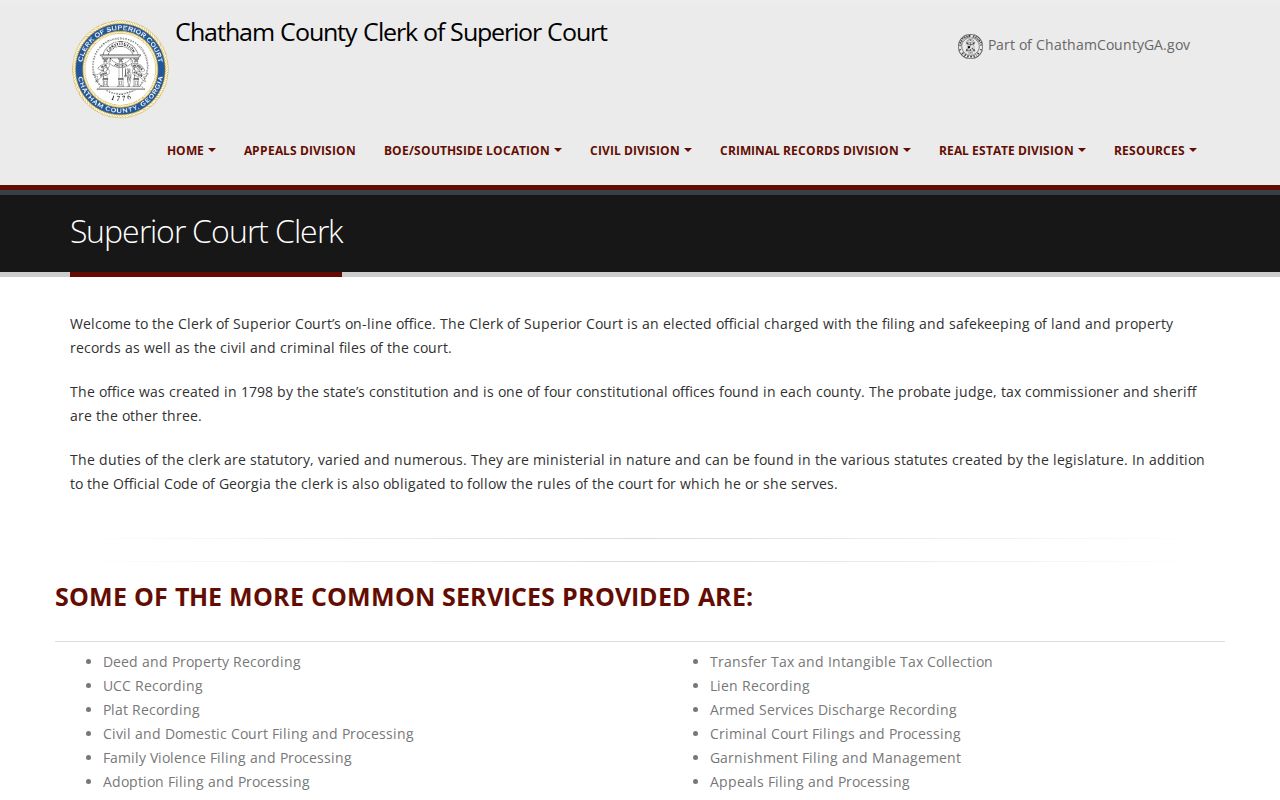
That division of custody drives every Chatham County court record search. Trust the issuing or hearing court, not a general search engine, as the authoritative source.
Chatham County Court Record Types
Think of the docket as the index. The filed document is what sits behind each event. A plain copy reproduces that content; a certified copy adds the clerk’s authentication. Chatham County records can include complaints and petitions. Accusations, indictments, and motions appear as well. Orders, judgments, dispositions, transcripts, and attachments can too. A free case screen on your screen never replaces the court-sealed copy. Another agency may demand the authentic version.
- Docket sheets and event registers
- Civil pleadings, orders, and judgments
- Criminal accusations, indictments, and dispositions
- Domestic and protective-order records when public
- Transcripts ordered through the proper clerk
Want to dig further before ordering anything? The Chatham County Case Lookup can pin down the case number and current court.
Chatham Records Request Form
The Superior Records Request Form asks for the case number and name, then lets you choose Regular Copies or Certified Copies. You can mark an indictment, accusation, sentence or disposition, or describe some other item. Delivery and contact details go on the form too. Pickup, U.S. mail, fax, and email are the posted options. Pay before release, by cashier’s check, money order, or business check.
Mail it to Clerk Tammie Mosley, P.O. Box 10227, Savannah, GA 31412. The office address on the form is 133 Montgomery Street, Suite 304, Savannah, GA 31401. Call 912-652-7200 or fax 912-652-7380. Describe the record narrowly. A title plus a date range keeps the search from ballooning into something broad and costly.
Inside a Chatham County Court Record
The public case layer often gives enough detail to spot the right file. It does not promise that every document image is open online. Registered access may need clerk approval and a fee, and sealed material stays closed no matter your registration status.
| Case header | Case number, filing date, location, court, judge, case type, status, and public disposition. |
|---|---|
| Parties | Public role labels and attorney names where entered. |
| Events | Dated filings, orders, hearings, and linked-document indicators. |
| Calendar | Session, courtroom, judicial officer, time, and setting type. |
| Access | Security, redaction, sealed status, or a document-access gate. |
Use those fields to match your request to the right event. An entry labeled “order” may name the document, but only the filed order shows its full terms.
Chatham eCertification Requests
Georgia’s statewide court eCertification service returns authenticated secured PDFs after the clerk processes them. You register and start a new request. Then pick Chatham County and a document type, enter the metadata, and submit. Payment and final authorization come later. The email that follows links to a self-validating file.
The Georgia eCertification portal is the official route the Superior Clerk documents. It is the government service that handles the request, not an ordinary document viewer.
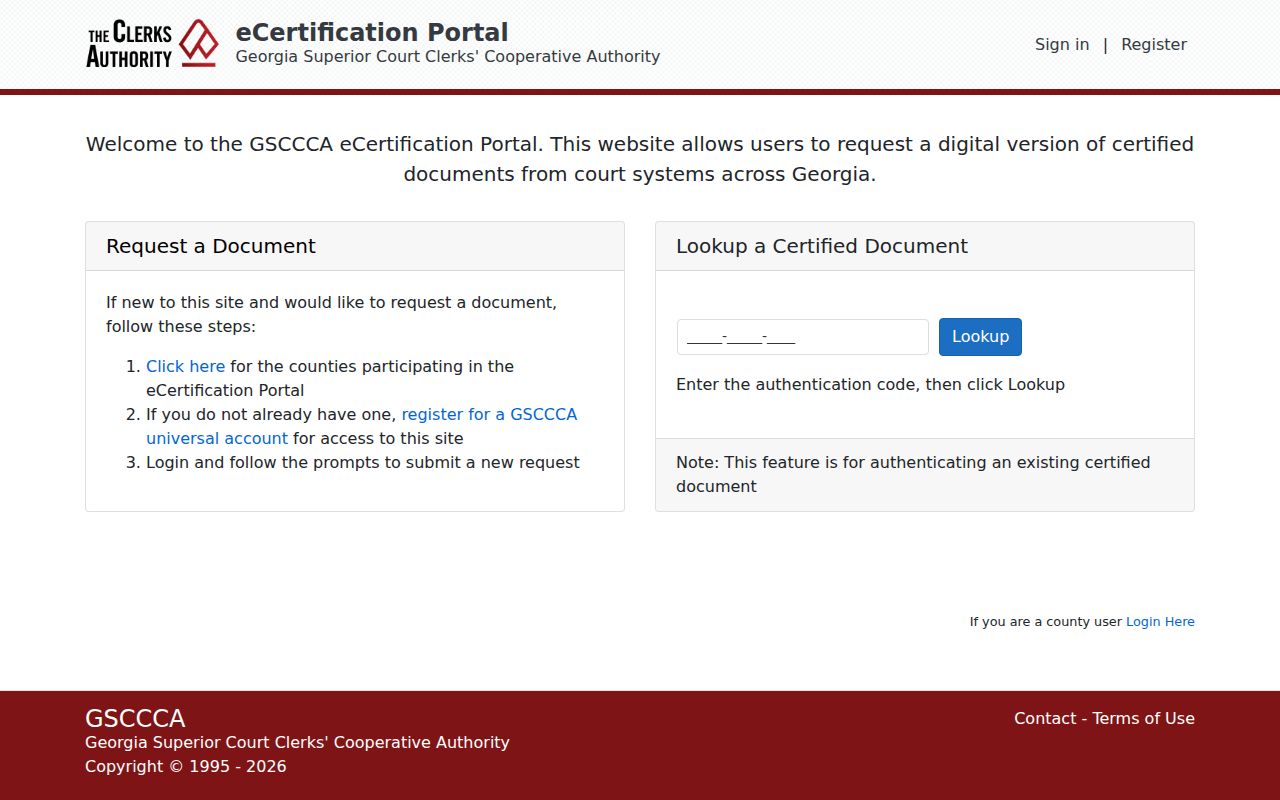
Leave the secure PDF untouched. Editing or flattening it can break the validation features. Those features set an eCertified copy apart from a saved screen image.
Before you submit, tell the document type apart from the case type. A requester may know the matter was criminal or civil. That alone may not be enough. The sentence, disposition, judgment, or order still needs to be named. Select Chatham County. Enter whatever case metadata you have. Then watch the status until the clerk authorizes payment. The service takes requests at any hour, though instant clerk processing is never promised. Keep the authentication link and the original secured file side by side. Does the receiving office run its own validity check? Use the portal’s verification feature instead of printing and rescanning. Need a paper-certified copy? Use the Superior Clerk’s mail or counter channel. That route also covers files eCertification does not offer.
Fees and Certified Copies
Fees differ from one Chatham County court to the next. There is no universal charge. The Superior form posts a per-page price plus a certification add-on. Magistrate Court follows its own fee schedule. State Court and the city courts quote the current charge. They do so for each requested item. Confirm which clerk holds the record before you send payment.
| Record item | Posted amount |
|---|---|
| Superior regular copy | $0.50 per page |
| Superior certification | $2 additional |
| Magistrate certified first page | $2.50 |
| Magistrate additional certified page | $0.25 |
| Magistrate plain copy | $0.25 per page |
| Magistrate exemplification | $5 |
Chatham County Superior Court Clerk
133 Montgomery Street, Suite 304
Savannah, GA 31401
912-434-8920
Chatham Clerk Online Forms
Not every record request starts with a letter. Some need a specialized court form. Superior Court publishes civil, criminal, domestic, and record-restriction forms, and the title tells the clerk which process applies. A record restriction request, for instance, is not the same as ordering a certified disposition.
The Superior Clerk’s Online Forms page gathers these official Chatham County options in one place. That is where the form choice begins.
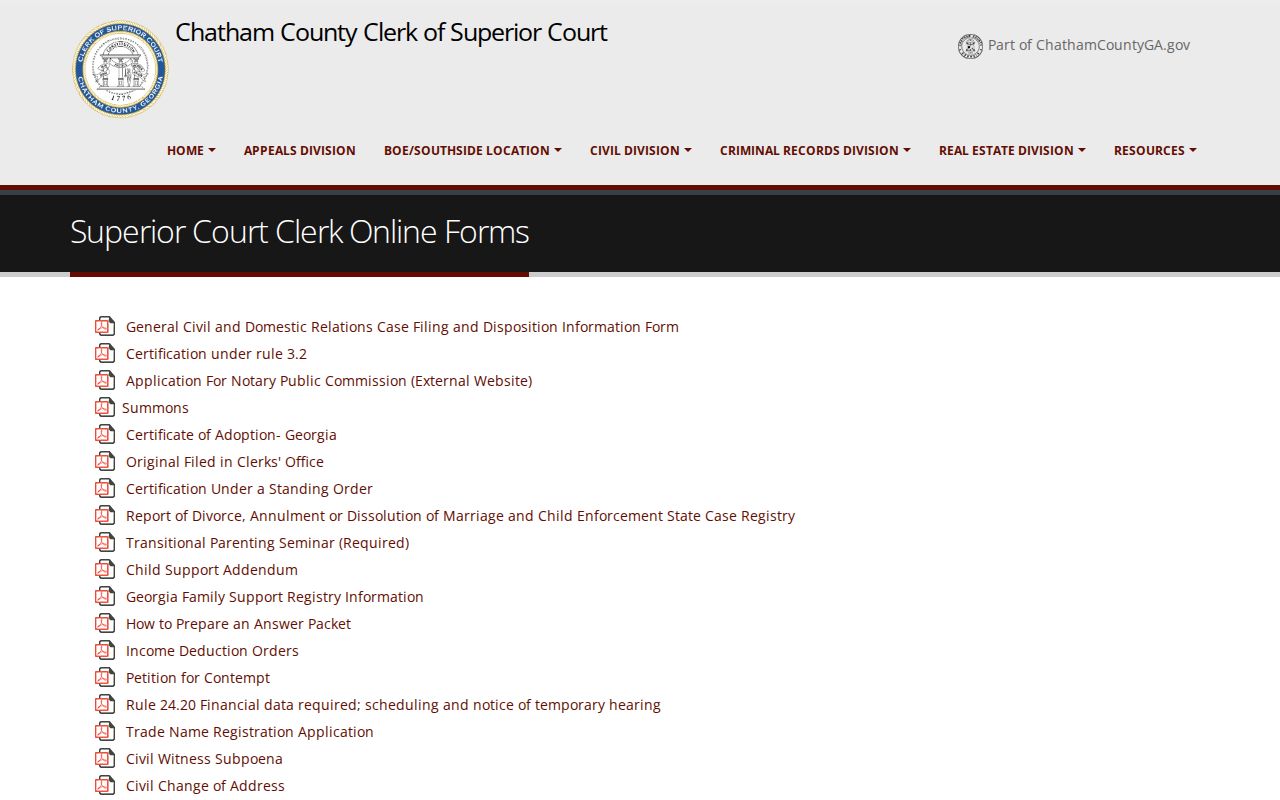
Read the form's instructions first. A form can start the proper workflow, but it never widens access to a sealed or confidential file.
Sealed Records and Public Access
Georgia court records are public in general. Access still has limits. The Georgia Open Records Act, O.C.G.A. sections 50-18-70 through 50-18-72, sets the request and exemption framework. Uniform Superior Court Rule 21 governs limits, sealing, review, and redaction. Protected identifiers must come out of filings. Juvenile matters follow separate confidentiality rules, and protective-order material may use sealed or redacted pages.
Key access rules:
O.C.G.A. § 50-18-70 supports access to public records unless an exemption applies.
O.C.G.A. §§ 50-18-71 and 50-18-72 address response, cost, redaction, and exemptions.
A written request is only a fallback. It cannot override a seal. When a public result is missing, verify the spelling, the court, and the case number, then ask the clerk whether the record is delayed, archived, redacted, or restricted.
Chatham Superior Record Access
Superior Court’s public internet view does not show every scanned image. Closed cases surface when the case number is known. Even then, the image can still require extra steps. Those steps include a registered document request, a public terminal, a mail form, an in-person request, or eCertification. An offsite Superior criminal file may take up to 48 hours to retrieve.
The Superior Clerk home page links the public search, e-file, and record routes. That official page opens Chatham County Superior record access.
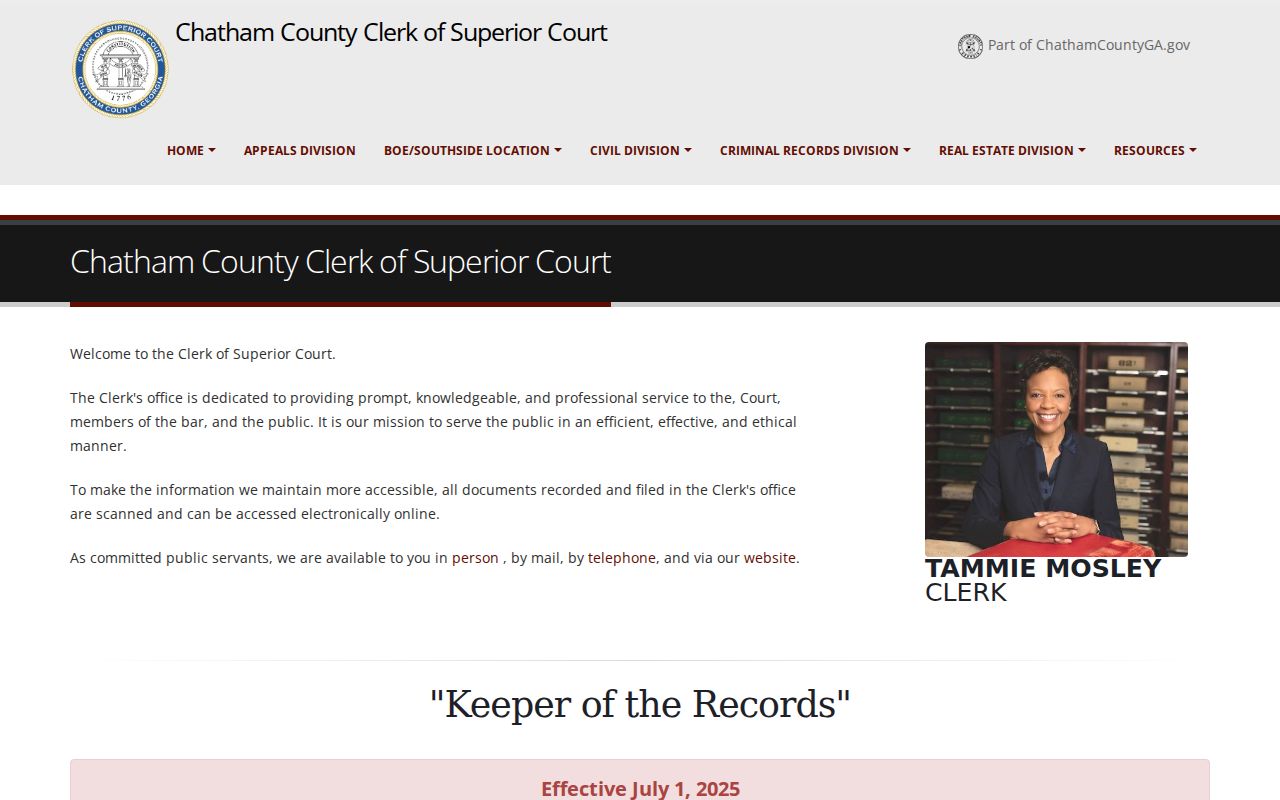
Call the criminal division before an in-person visit. A file may sit in offsite storage. The division supplies records, but it does not schedule court proceedings.
Bring the case number whenever you can. Staff can then tell similar names apart and learn whether the record is onsite, electronic, archived, or held by another Chatham County clerk.
Civil and family records have several access paths. The clerk provides courthouse terminals, registered re:Search document access, mail requests, and walk-in service for civil or family final orders. After approval and payment, a registered account may show document metadata or images. Registration still cannot break a seal.
Superior criminal requests go through the form, mail, in-person service, or eCertification. If the file is offsite, allow the full retrieval period before you return to the counter. State Court runs its own system. Use the public terminals in Suite 127, clerk contact, the case-search route, or the transcript form. A transcript request needs the case number, case name, proceeding date and type, sitting judge, requester details, and other facts. It is not an ordinary copy request. Recorder’s or Magistrate transcripts route back to those clerks.