
Chatham County Court Calendars Explained
Chatham County offers a date-facing Court Proceedings tool for public settings. Pick a date first. Then choose Criminal, Civil, or Recorders. Results arrive grouped by court session and ordered by start time. That makes the layout easy to scan. A session heading may carry the time, location, session type, judge, and a live-stream link when one is offered. Individual rows can show a party name, case number, and attorney. That is enough to check what any single day holds. The Chatham County court calendar is a day view. It is not a master register of every filing. Odyssey Events and Hearings gives the case-centered picture instead. Some courts keep their own separate schedules. Municipal, Magistrate, Probate, and Juvenile settings demand that court's own channel. State Court adds a wrinkle. It runs four annual terms beginning in March, June, September, and December. A term date is an administrative marker, though, and not a personal hearing date. The real Chatham County court date is whatever the current case setting says. The county's own Court Proceedings calendar controls show how the date picker works. Its result grouping shows how the category tabs fit in.
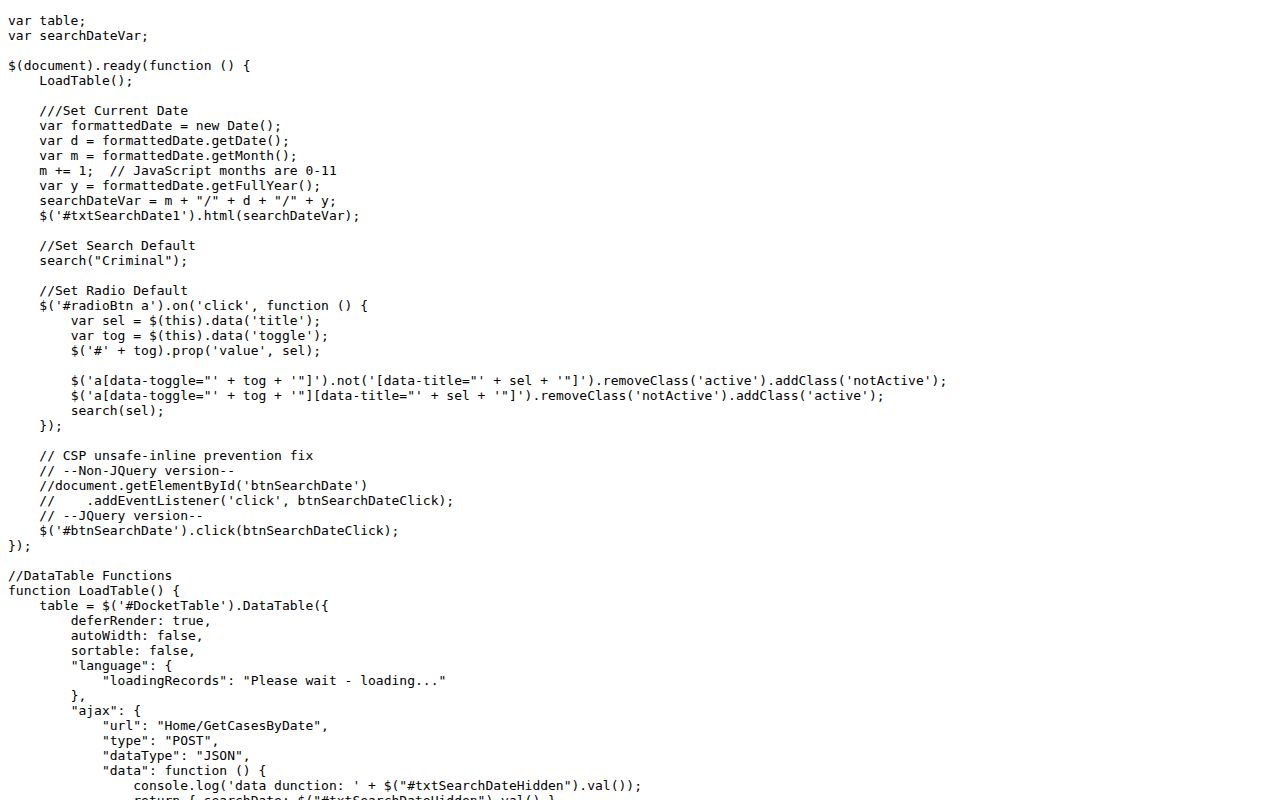
The official page supports the local workflow: pick a date and docket category, then verify the session details against the case record itself.
Chatham County Court Proceedings
The interface splits results into Criminal, Civil, and Recorders. That split matters more than it looks. A Recorder's Court entry will not necessarily appear under the criminal tab, and a civil protective-order setting may carry its own distinct session label. Behind the scenes, each result can include the hearing date, judicial officer, magistrate, location, court session, start and end time, attorney, case type, case number, and a security flag. Public output omits protected details.
| Control | Use | Result clue |
|---|---|---|
| Date | Select the day to inspect | View Cases By Date starts the query |
| Criminal | Show public criminal sessions | May include trial, bond, plea, or pretrial labels |
| Civil | Show public civil settings | May include jury, status, show-cause, or TPO labels |
| Recorders | Show Recorder’s proceedings | Keeps that local docket distinct |
The category tab is only the first check. Read the session heading and the individual row before trusting anything. If the case still cannot be found by date, move to Odyssey Search Hearings or call the clerk for the court that owns the matter.
Finding Your Court Date
When a setting controls an appearance, use more than one channel. The county daily calendar is the fastest date-first search. Odyssey works better once the case number or party name is known. A clerk can check the office record directly. Public terminals serve as an in-person fallback. Counsel or a written court notice may also carry a newer setting than an older screen, so compare the sources rather than trusting the first one.
- Identify the court. Superior handles felonies and broad civil matters; State handles misdemeanors, traffic bind-overs, and State civil cases. Other local courts keep their own dates.
- Check Chatham County Court Proceedings by date and choose Criminal, Civil, or Recorders.
- Search Odyssey Events/Hearings by location, hearing type, and the available search criteria. Compare the case number, judge, time, and place.
- Call the proper clerk if the two sources differ. State Court is 912-652-7224, Superior is 912-434-8920, Magistrate is 912-652-7181, Probate is 912-652-7264, Juvenile is 912-652-6700, and Recorder’s is 912-652-7425.
- Use the clerk’s counter or a public terminal when online access fails. State Court terminals are in Suite 127, and the Superior Clerk also provides public terminals.
For a municipal case, go to the issuing city's calendar or clerk. A county calendar cannot replace a city notice. The same caution applies to Probate and Juvenile Court, where access rules and schedules differ.
Note: Confirm the Chatham County court date close to the appearance, especially after a motion, reset, continuance, or transfer.
Chatham County Odyssey Hearings
Odyssey Search Hearings adds a case-system view alongside the date calendar. A searcher may select one Chatham County court location or all of them. Hearing type can be narrowed or left open. A Search Type setting then changes which fields appear. Results switch between calendar and list views at a click. Filters and sorting help when a crowded date needs pruning. The official Odyssey and re:SearchGA hearing portal is where these hearing searches actually run.
The portal makes a key distinction obvious. Court Proceedings begins with a date. Odyssey can begin with a case, a person, a location, or hearing criteria instead. Search both when a Chatham County court calendar entry seems unclear. Anonymous access sometimes requires a CAPTCHA, and full document images may need registration, clerk approval, or payment. Those limits do not mean the hearing itself is closed.
How to Read a Court Setting
Read a Chatham County court date as a cluster of fields, not a single line. A correct date paired with the wrong court or session can still cause a missed appearance. Match the calendar row to the case number and the latest Odyssey event. Then confirm the location: a courtroom, another court facility, or a remote streamed session each mean something different for attendance.
| Date | The scheduled calendar day, subject to a later reset or order. |
|---|---|
| Time | The session start or listed matter time; arrive as the court directs. |
| Courtroom | The location attached to the session, not merely the clerk’s office address. |
| Judge | The judicial officer assigned to that session when publicly shown. |
| Setting Type | The purpose, such as bond, pretrial, jury trial, status, show cause, or TPO hearing. |
| Case Number | The safest key for matching a calendar line to the correct Chatham County docket. |
Labels seen on the local calendars include Bond Hearing, Criminal Jury Trials, Civil Jury Trials, Status Conference, Dispossessory Hearings, and Ex Parte TPO. Prefixes such as CR, CO, MI, and DVA are local labels, not a universal Georgia codebook. Ask the clerk when a short code affects what must be done.
Chatham Calendar Versus Docket
An official calendar row may show a sequence number, case number, case style, attorneys, judge, courtroom, and notes like passed, plea, or sentencing. Even so, it is a schedule, not the full Chatham County docket sheet. The case register holds the filings, orders, service, later hearings, and disposition details that never fit on a single day's calendar.
| Calendar view | Case docket view |
|---|---|
| Organized by day and session | Organized around one case |
| Best for time, judge, and location | Best for event history and current status |
| May show brief action notes | May link events to documents |
| Can change after a reset | Newest event may identify the next setting |
The county's Superior Court transcript request route handles requests for records of past proceedings.
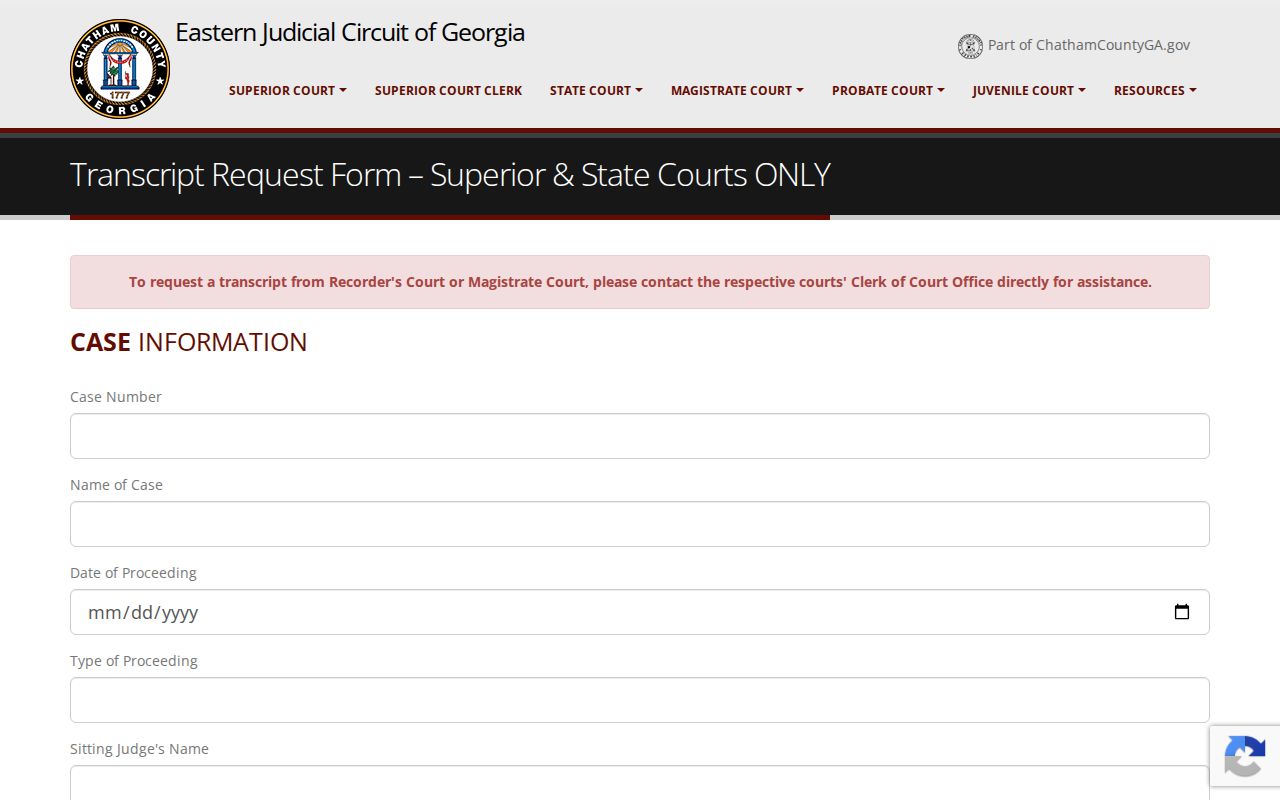
A transcript request concerns the record of a proceeding after it happens. It does not set, cancel, or prove the current hearing date, so rely on the calendar and the clerk for scheduling.
Continuances, Resets, and Cancellations
Calendars change, and each change has its own label. A continuance pushes a matter to a later time by court action. A reset moves it to a different setting. A cancellation simply wipes the planned session off the board. Odyssey Events/Hearings usually posts the newest entry first, but the daily Chatham County court calendar can lag behind on its own schedule.
Be careful with a line marked “passed.” That word does not mean the case was dismissed. It only signals the matter moved or was passed, so your next job is finding the next event. When you check, compare the court, courtroom, officer, session type, time, case number, and attorney fields, then call the office that keeps the docket. One warning from State Court: documents bound over from Recorder’s or a municipal court may take one to six weeks to arrive, be entered, and pick up a State case number. During that gap, watch both the originating court and State Court. A blank Chatham County court date result is never proof that no setting exists.
Key check: A calendar screen is a useful public snapshot. A direct clerk confirmation or current court order controls when sources conflict.
Chatham County Setting Terms
Session headings use short labels so full calendars fit in tight spaces. What a label means still turns on the case and the court. These plain meanings make the Chatham County court calendar faster to scan, though a label alone is never legal advice.
- Pretrial hearing
- A criminal setting for motions, readiness, or case management before trial.
- Status conference
- A setting used to report the case posture and plan the next step.
- Show cause
- A hearing requiring a person to explain alleged noncompliance.
- TPO
- A temporary protective order; public calendar detail can be limited even when a setting label appears.
- Passed
- A calendar note that the matter moved or did not proceed then; inspect the newest event for a new date.
Several limits shape what the public sees. Security flags, sealed documents, and redactions can each trim the details, and juvenile matters carry their own confidentiality layer. When a label is too thin to explain the setting, ask the holding clerk directly instead of guessing at hidden facts.
If You Miss a Court Setting
Missed a Chatham County court date? Move fast. If you have a lawyer, call counsel first. If not, phone the clerk for the court named on your notice or docket and ask how to confirm the case status and the next public setting. Odyssey and Court Proceedings are worth a look, but a new online date does not erase the missed appearance. The judge may still need to address a failure to appear, a bond issue, a warrant, or another consequence.
Missed a setting? A missed appearance can have serious case-specific consequences, including a warrant or bond action.
Contact the proper Chatham County clerk or your lawyer at once and follow the court’s instructions.
Do not appear in a courtroom based only on an old calendar entry; confirm the place, time, and current status first.
A municipal or Recorder’s matter starts with that court, even if a later bind-over to State Court is possible. Sealed and juvenile cases are different. Public staff there may be unable to share details, yet they can still point you to the right channel for an authorized request or an appearance question.
Verify Chatham County Court Dates
A solid final check rests on three points: the correct court, the newest event, and direct confirmation when anything conflicts. Keep your case number close. Ask whether the appearance is in person, remote, or streamed, and whether the listed time is a session call or an individual slot. If the case began in a city court, confirm it is still there or has been bound over.
The Chatham County court calendar serves the public well when its role stays clear. Court Proceedings shows the day. Odyssey shows case events and hearings. The clerk fills the gaps and provides the official route to records. Used together, these channels cut the risk of trusting a stale printout, an old notice, or the wrong court’s schedule.